
22/10/2026 00:09
Which Lunchbox Demo Comes Next? TikTok Playlists for Cambodian Housewares Shops
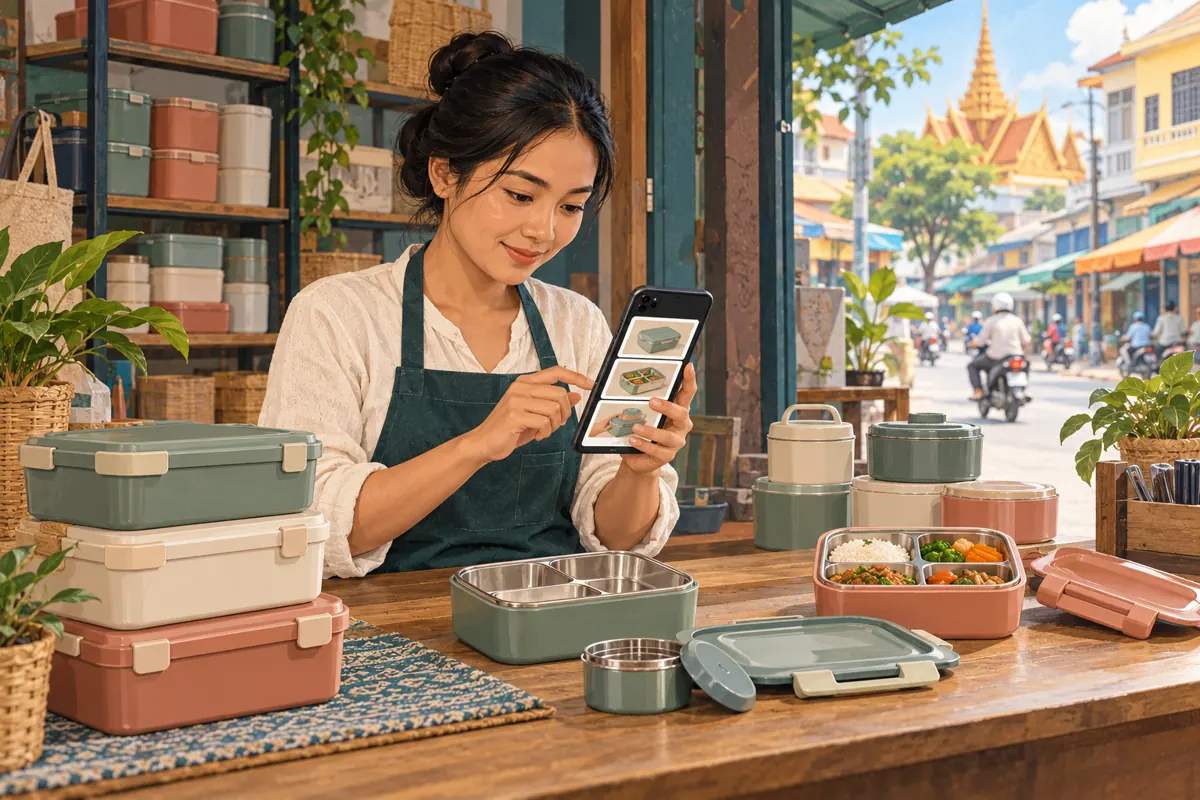
A customer sees a lunchbox on TikTok, visits the shop’s profile and finds several similar containers. One video shows compartments, another demonstrates a lid, and a third explains cleaning. Without a clear connection, the customer may combine details from different models. For a Cambodian housewares shop, useful promotion includes making those distinctions easy to follow. This guide uses a hypothetical Phnom Penh lunchbox shop to explain how to plan TikTok playlists around buyer questions, prepare demonstrations that remain understandable individually, and test the viewing route before promoting it. It also explains why an SMM-panel likes listing cannot establish product interest or solve a confusing video library. The shop, products and customer situations below are illustrative, not reported customer results.
1. Start with the question customers cannot resolve
In the hypothetical shop, customers repeatedly ask whether a replacement lid fits the lunchbox they already own. The profile contains attractive food arrangements and unboxing videos, but the rim and latch are rarely visible. Creating a collection called “Popular products” would leave the underlying question unanswered. A more useful starting point is to identify the exact decision: can the viewer distinguish their container from a similar-looking model?
Review a small selection of genuine enquiries without copying customers’ personal details into the planning document. Separate questions about choosing a complete lunchbox, identifying a replacement part and caring for an existing purchase. These represent different viewing needs. Assign each proposed video one primary question and one observable answer. A clip that clearly shows the matching rim can help a buyer identify what to ask next, even if it does not settle compatibility without further checking.
2. Confirm playlist availability before promising a route
TikTok’s official help material describes Creator Playlists as a way to group public videos so viewers can watch related content in a series. It also notes that the feature is not available everywhere. Check the shop’s own app before announcing that demonstrations are collected in a playlist. Use the available playlist controls and current in-app guidance; another shop’s interface is not proof that the same controls are available to yours.
If playlists are unavailable, continue preparing the videos. Give each one a consistent, descriptive opening and keep a staff reference list of its public link and subject. Staff can share the relevant demonstration when answering an enquiry. Avoid telling customers to find a playlist that they cannot access. The fallback should still let someone identify a model and ask a precise question without needing the shop to obtain an additional feature.
3. Build a small map around buying, matching and care
For the hypothetical shop, start with three proposed groups: choosing a lunchbox, checking lids and parts, and caring for the product. These are editorial categories, not platform requirements. Give each group a narrow purpose. The first helps people compare compartment layouts and included pieces. The second helps existing owners identify the relevant lid or seal. The third explains model-specific handling using information the shop has verified.
Write a short internal description of what belongs in each group. A colourful unpacking video may suit the buying group but contribute little to a parts question. Do not fill every group simply to make the profile look busy. If there is only one useful care demonstration, keep it clearly identified while preparing another genuinely helpful explanation. A compact library with distinct answers is easier to maintain than several collections containing loosely related clips.
4. Identify the model before demonstrating a detail
Give each demonstration an opening that identifies the whole product before moving closer. Show the lunchbox shape, compartment arrangement and relevant distinguishing feature. Use the manufacturer’s model reference when available, or a clearly described internal shop reference. Do not rely only on colour: different models may share the same colour, and a later shipment may change the available colours without changing the model.
In the hypothetical lid demonstration, place the matching box and lid together, then show the rim and latch. Keep a similar but incompatible sample physically separate. Explain what the viewer should compare on their own product, and request a clear photo if identification remains uncertain. Avoid presenting a successful closure as proof of every other property. It does not independently establish suitability for hot food, microwave use or carrying liquids. Those statements need their own reliable product information.
5. Make every clip understandable outside the collection
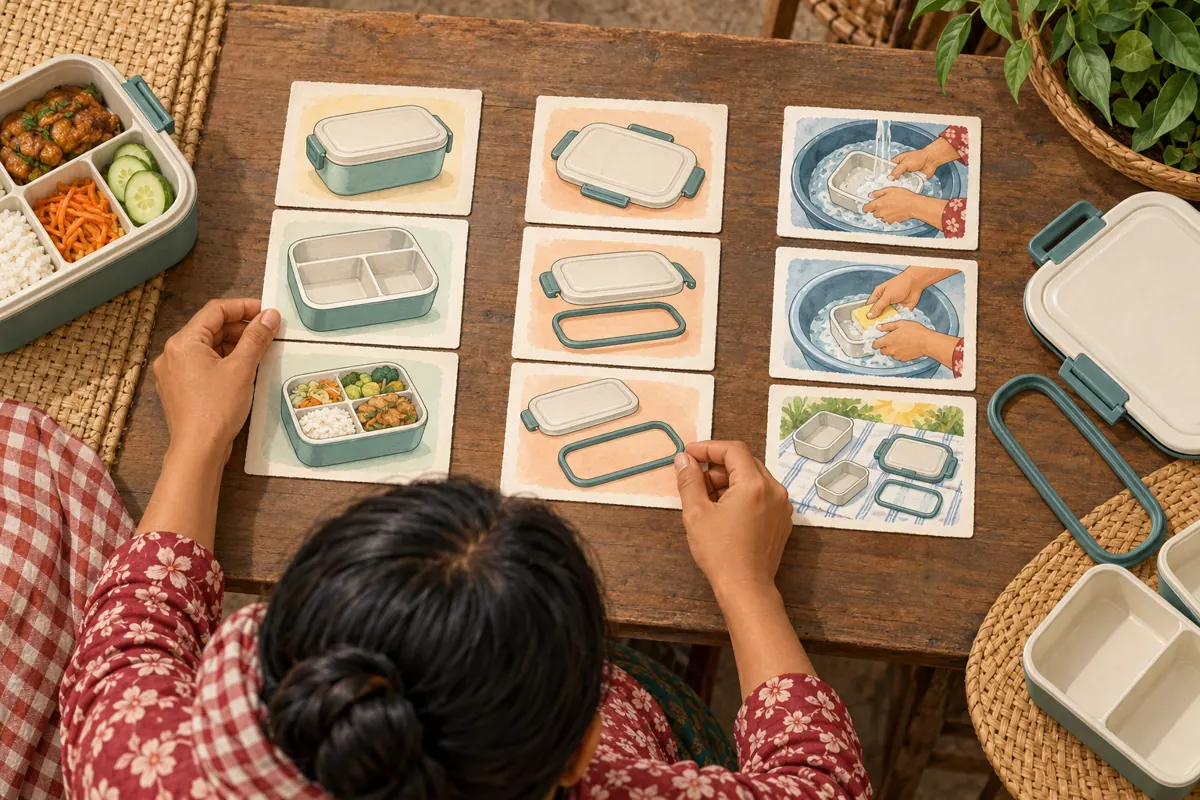
Plan for someone to encounter a single demonstration without seeing its neighbours. An opening such as “Here is the other one” gives that viewer no useful reference. A clearer opening identifies the model and task: this clip shows the lid shape for the compartmented lunchbox pictured on the counter. Repeat the essential distinction briefly, even when it has appeared in another demonstration.
For a shop serving Khmer-speaking buyers, use clear Khmer narration and accurately reviewed on-screen explanations where appropriate. Keep model references consistent across languages. Avoid fitting several lines of tiny text around the product. Show the physical difference long enough to inspect, with the hands positioned away from the important edge. Finish with a relevant next action, such as asking the viewer to send a photo of their existing lid, rather than an unrelated request to interact.
6. Assemble one useful collection and check the result
Prepare the intended selection before opening the playlist editor. Record each video’s public link, model, main question and any limitation that must remain visible. Where the account offers playlist creation, follow its prompts to name the collection and select the intended posts. Compare the resulting selection with the planning list. Similar thumbnails make it easy to choose a video about the wrong container.
Choose a name that describes the viewer’s task. “Lunchbox lids and fit” is more informative than “Must watch.” For the proposed viewing sequence, begin with identification, continue with the relevant comparison and finish with the information needed for an enquiry. Check the actual order shown to viewers and adjust through the available controls where necessary. Do not assume the saved collection matches the order in which the team discussed or filmed the clips.
7. Run a visitor test without coaching the answer
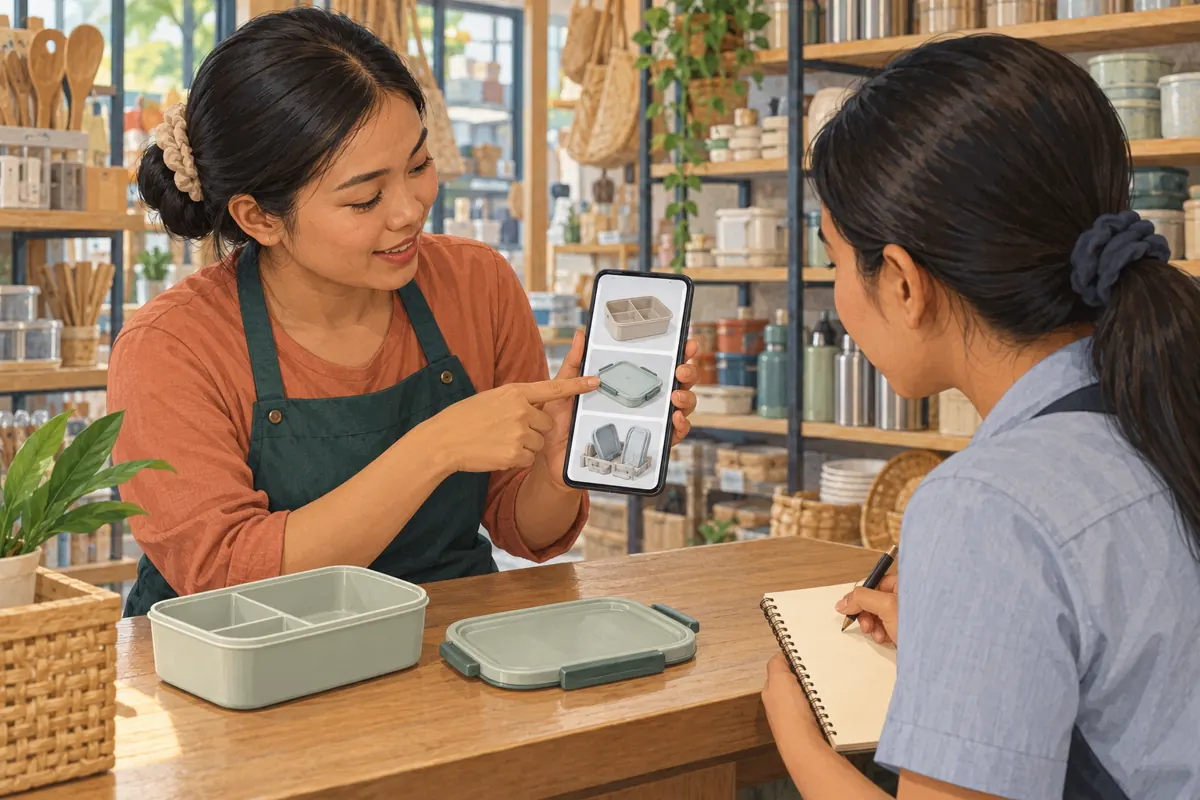
Ask a colleague who did not arrange the collection to open the public profile as an ordinary viewer. Give them a concrete task: find the demonstration that would help identify a replacement lid for the sample on the counter. Do not point toward the correct thumbnail. Watch where the person hesitates and ask what they expected each collection name to contain.
Record the cause of confusion in plain language. Perhaps the name suggests cleaning, the thumbnail hides the rim, or the first clip shows a different model. Fix that specific obstacle and repeat the affected task. This is a usability check, not a customer testimonial or a sales forecast. A colleague completing the task shows that this particular route was understandable under the test conditions. It does not establish that every visitor will follow it or buy.
8. Keep stock announcements separate from lasting explanations
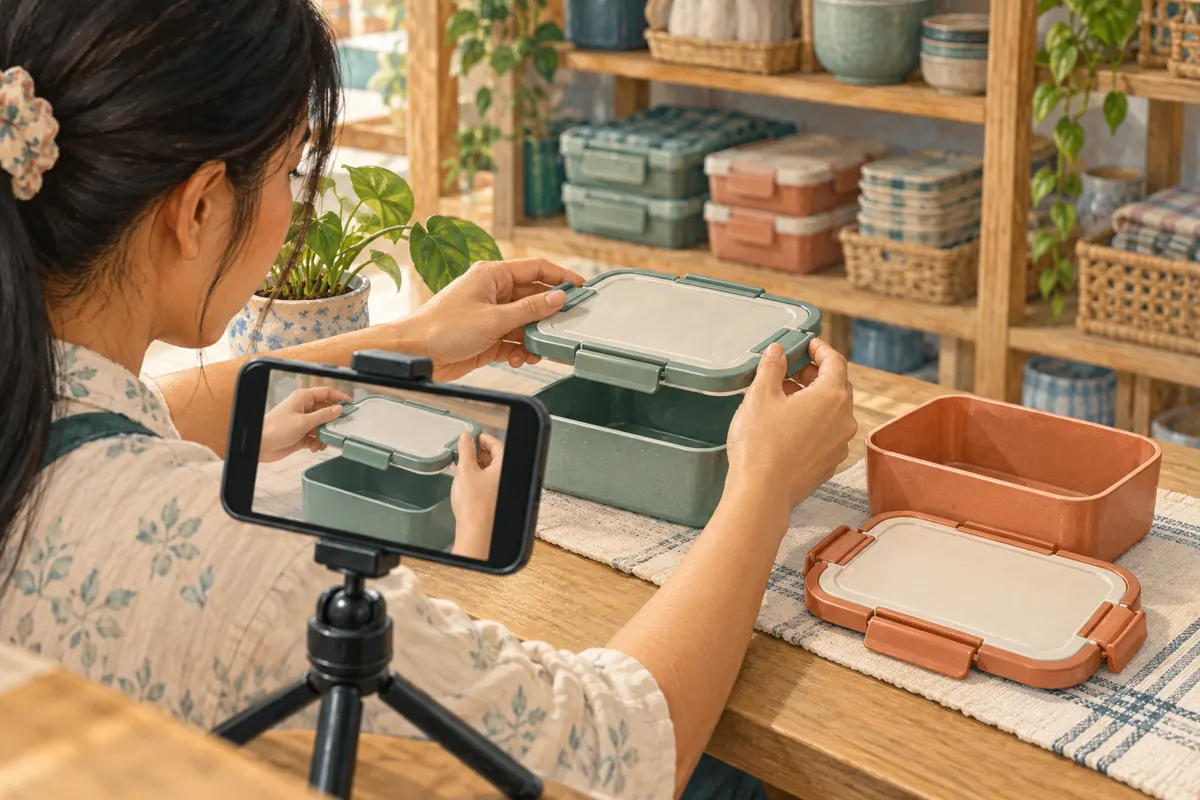
A model-identification video may remain useful after a colour sells out. A promotional clip promising immediate collection may become inaccurate much sooner. Review these two kinds of information separately. Keep the lasting demonstration focused on identifying the product, while checking stock and collection arrangements when replying to an actual enquiry. Avoid embedding temporary availability claims into every clip in the library.
Assign one staff member to review the collection when a supplier changes a lid, latch or included accessory. Compare the incoming product with the filmed sample before reusing the explanation. Removing an outdated clip from a planned viewing route should not be treated as a complete correction of the underlying post. Review that post separately and decide what correction or other action is needed. Staff should also stop sharing its old link as the current answer.
9. Apply a clear boundary when reviewing SMM-panel listings
The supplied catalogue includes the exact title “TikTok - Likes ~ Bot Profiles ~ Max 5M ~ 100k/Days ~ Instant ~ 𝐍𝐎 𝗥𝗘𝗙𝗜𝗟𝗟”. Its name presents it as a TikTok likes service associated with bot profiles. No supporting description was supplied. Treat the quantity, timing and other wording as catalogue labels, not independently verified performance commitments. Nothing in this listing establishes a playlist-management service or Cambodian buyer targeting.
TikTok’s Community Guidelines prohibit trading or marketing services that artificially increase engagement. Do not use purchased likes as a way to qualify content, simulate buyer approval or attempt to unlock a feature. Purchased engagement is not evidence of genuine interest, sales, advertising delivery or Cambodian users. For this workflow, the useful decision is to leave an unsuitable engagement order unsubmitted and invest effort in accurate demonstrations, understandable navigation and responsive answers to real enquiries.
10. Evaluate better questions and avoid common mistakes
Keep a modest enquiry log that records the question, the demonstration shared and whether further product identification was needed. Separate a request for information from an order confirmation. If someone says the lid video helped them identify their model, record that limited statement without turning it into a wider performance claim. Where available, platform measurements can provide context, but they cannot by themselves explain why a customer purchased.
Common mistakes include grouping by colour when fit depends on construction, adding unrelated clips to make a collection longer, and promoting a route before testing it. Another mistake is changing several elements at once and then crediting the playlist for any improvement. Review one practical problem at a time. If enquiries still confuse the models, inspect the identification footage. If people cannot find that footage, review the collection name and thumbnails. Choose the next change from the observed problem.
Frequently asked questions
Should a small shop organise videos by product model or by question?
Choose the structure that resolves the most common confusion. If several models look nearly identical, model-based organisation may be clearer. If customers mainly ask about choosing, fitting or cleaning, question-based groups may work better. Test the proposed names with someone unfamiliar with the library before reorganising everything.
What should we do if the shop cannot create TikTok playlists?
Keep the same editorial plan and publish clearly identified individual demonstrations. Maintain a staff list of public video links so enquiries receive the relevant explanation. Do not buy engagement to obtain playlist access or promise customers that a missing feature will appear after a particular milestone.
Should every lunchbox video be included in a collection?
Only include a video when it contributes to that collection’s purpose and remains accurate. Seasonal decorations, expired offers and incomplete demonstrations can distract from a practical identification task. Review the content itself before selecting it; an attractive thumbnail is not enough to make the explanation useful.
Can we say the playlist increased sales?
Only make a claim that your records can support. A buyer mentioning a demonstration provides limited evidence about that buyer’s experience. More sales during the same period could have other causes, including stock changes or different promotions. Record confirmed orders separately and avoid treating a timing coincidence as proof.
How often should the collection be reviewed?
Review it whenever the products, included parts or promises shown in its videos change. Also revisit it when staff notice repeated confusion. A short check after a new shipment can be more useful than waiting for a fixed monthly date while an outdated lid demonstration continues circulating.
Explore the current service catalogue, create an account, or ask a specific question through support tickets.
- TikTok Help Center: Watch videos in a playlist
- TikTok Community Guidelines: Integrity and Authenticity
Prepared with AI assistance. Illustrations explain the workflow and do not represent customer results.